
How does document AI turn invoices into data your ERP can use?
執筆 LAR Technology Team読了目安 6 分
現在、記事は英語のみで公開しています。
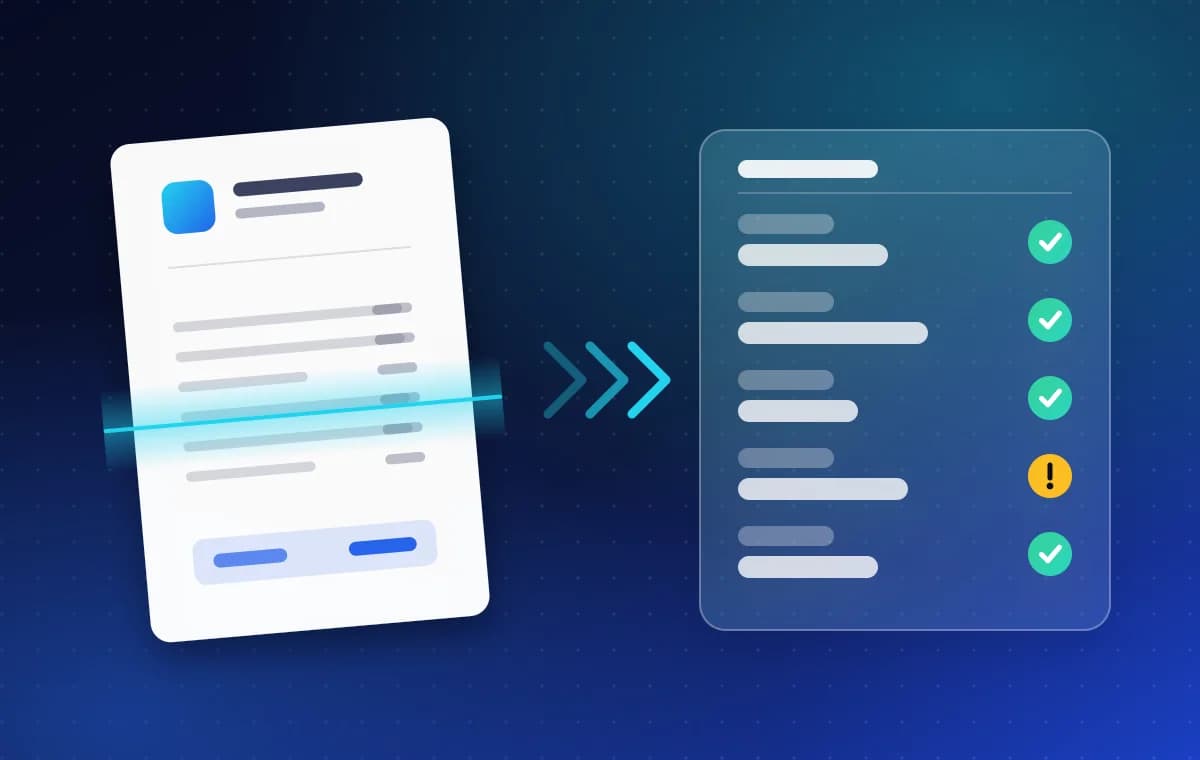
Document AI reads a paper or PDF document, pulls out the fields that matter such as supplier, date, line items and total, checks them against your rules, and sends clean data to your ERP or accounting system. OCR reads the characters, AI works out what they mean, and validation catches mistakes before they reach your books.
What is document AI, and how is it different from OCR?
Optical character recognition (OCR) turns an image of text into text a computer can read. That is the first step, and on its own it gives you a wall of characters with no meaning attached. You still do not know which number is the total and which is the tax ID.
Document AI adds the understanding. It recognises that this block is the supplier, that one is the due date, and that these rows are line items. The industry often calls the whole approach intelligent document processing. The goal is not text but structured data: fields with names and types that another system can accept.
How does a document go from a scan to your ERP?
A good pipeline has six stages. Each has its own way of going wrong, which is why the later stages exist.
| Stage | What happens | What can go wrong |
|---|---|---|
| 1. Capture | The document arrives by upload, email or scan | Blurry photos, skewed pages, several documents in one file |
| 2. Read | OCR turns the image into text and positions | Unusual fonts, stamps over text, handwriting |
| 3. Extract | A model labels the fields and table rows | A new layout the model has not seen |
| 4. Validate | Rules check the fields against each other and your records | Totals that do not add up, unknown suppliers |
| 5. Review | A person looks only at what failed validation | If everything is sent for review, nothing is saved |
| 6. Export | Clean data is posted to the ERP or accounting system | Duplicates, wrong account codes |
Why does validation matter more than the reading?
Reading documents correctly most of the time sounds good until you remember that the mistakes end up in your accounts. What separates a demo from a system you can rely on is what happens around the model.
- Arithmetic checks: line items must add up to the subtotal, and the subtotal plus tax must equal the total.
- Format checks: dates, tax IDs and bank details have to look like what they claim to be.
- Master-data checks: the supplier should exist in your records, or be flagged as new.
- Duplicate checks: the same invoice sent twice should be caught, not paid twice.
- Human review on exceptions only, so people spend their time on the few documents that need judgement.
Which documents does it work for?
Invoices and receipts are the common starting point because there are many of them and the fields are well defined. The same approach extends to other business paperwork. The combined experience of our engineers, including projects delivered before they joined LAR Technology, includes document-understanding and OCR engines for banking document workflows, letter-of-credit verification models for a commercial bank, and OCR and language-processing pipelines for payroll.
Different documents need different checks. A letter of credit, for example, is mostly about matching one set of documents against another, not about reading one page well.
What does LAR Technology offer here?
DocOCR is a product we built and run ourselves. It turns invoices, receipts and business documents into validated, system-ready data with AI OCR, for any layout, any script and any ERP. You can see it at dococr.xyz.
If your documents are unusual, or the data has to go into a system DocOCR does not cover yet, we build custom document pipelines as part of our AI and machine learning work. Document agents, which combine OCR with language-model reasoning, are a natural next step, and we describe the idea in AI agents vs chatbots.
How do you protect personal data in documents?
Invoices, payroll and identity documents contain personal and financial details. Decide early what the model is allowed to see and what is stored. Common measures are redacting personal data before text reaches a language model, keeping access limited to the people who need it, and logging who opened what.
If a language model reads your documents, it also reads whatever instructions are hidden inside them, which is a security risk in its own right. We explain it in What is prompt injection?
How do you start a document AI project?
Start small and real. Pick one document type that costs you the most time, gather a few dozen real examples including the messy ones, and decide what a correct result looks like and which system it should land in. A pilot on that one type will show you where the difficulty really is before you invest in the rest.
Questions about document AI
- Is document AI the same as OCR?
- No. OCR converts an image into text. Document AI goes further: it identifies which text is the supplier, the date or the total, checks the values and delivers structured data to another system.
- Does a person still need to check the results?
- For the exceptions, yes. A well-built pipeline sends only the documents that fail a validation rule to a person, and passes the rest through automatically.
- Can it handle invoices in different languages and layouts?
- That is the point of using a model instead of fixed templates. Layouts and scripts vary, so test with your own documents, including the difficult ones, before you rely on it.
- Which systems can the data go into?
- Any system with an API or an import format: ERP, accounting software, databases or spreadsheets. DocOCR is designed to work with any ERP, and for custom projects we build the connection you need.
参考資料
- Optical character recognition · Wikipedia
- Intelligent document processing · Wikipedia
- DocOCR: intelligent document processing · DocOCR
関連記事
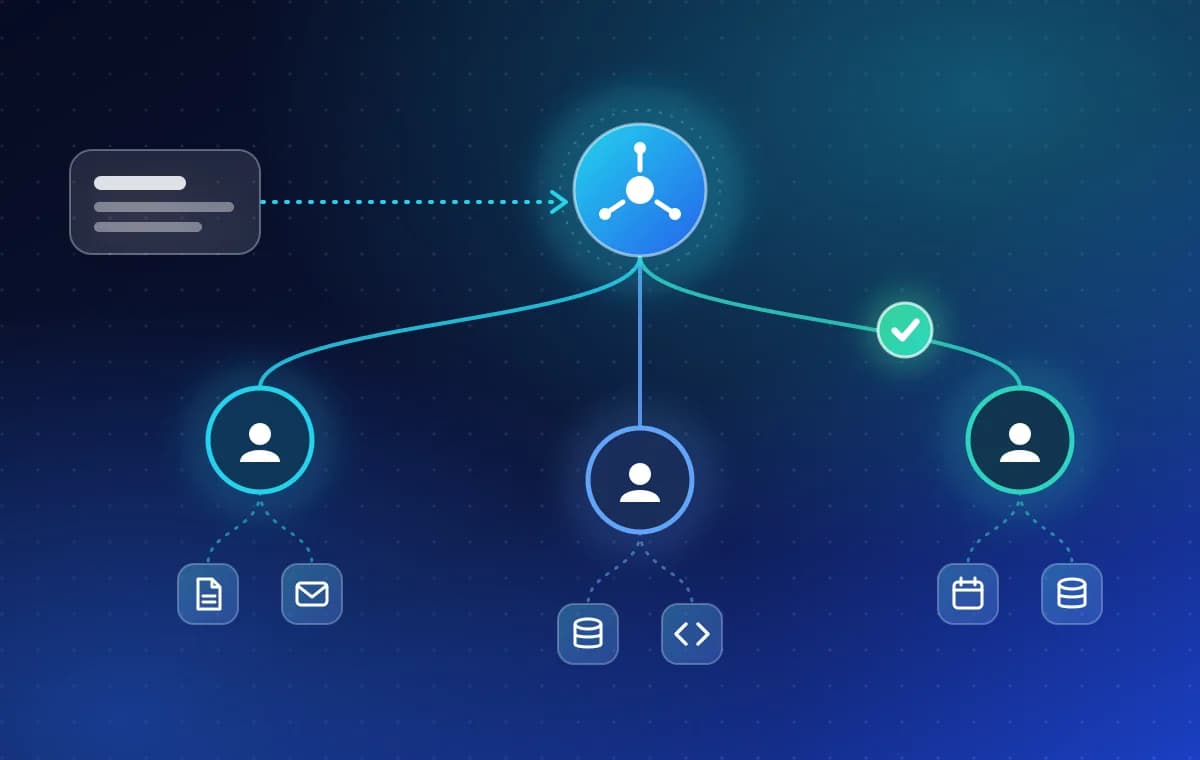
AI agents vs chatbots: what is the difference for your business?
A chatbot answers questions. An AI agent does the work inside your systems. Here is how they differ, how to keep an agent safe, and when a chatbot is enough.
読了目安 6 分
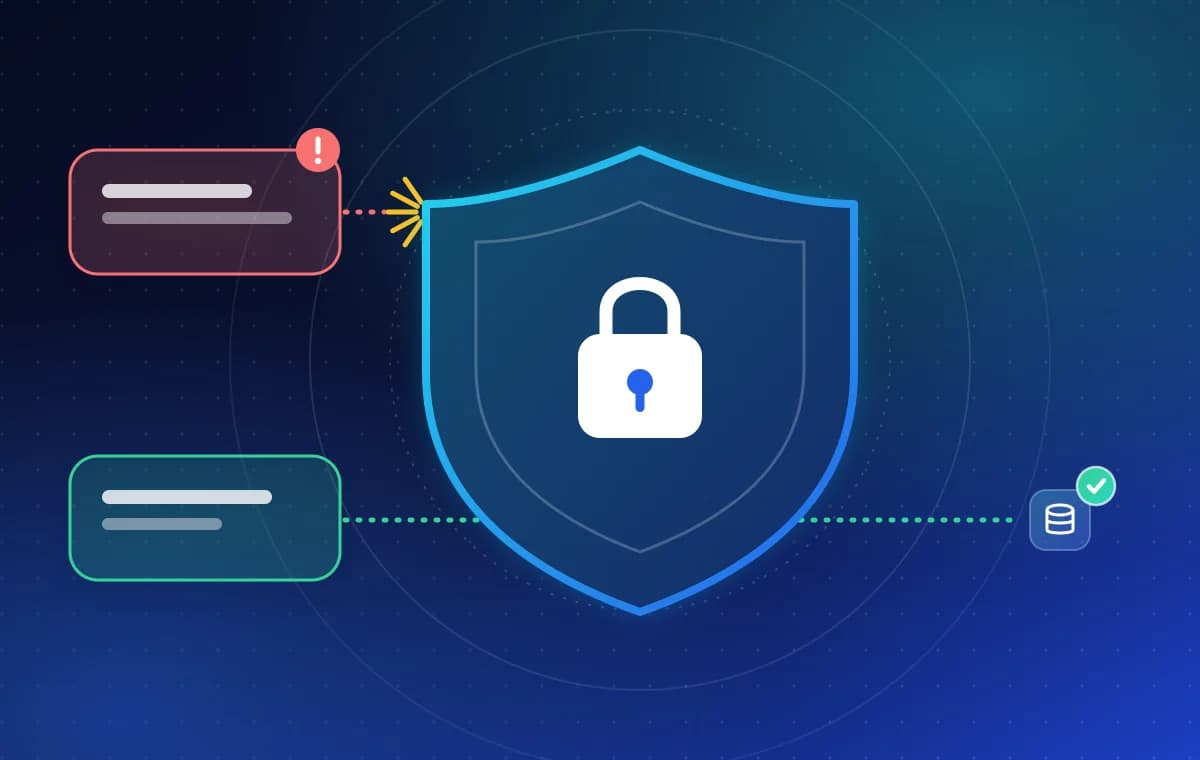
What is prompt injection, and how do you protect an LLM app?
Prompt injection tricks an AI app into following hostile instructions hidden in its input. Learn how it works and the layered defences that limit the damage.
読了目安 6 分